

Driven by Purpose
Guided by Vision
Intrax is a national, multi-discipline professional services firm providing optimised, on-time services across multiple market sectors that contribute positively to clients and communities
Four divisions. One integrated team
Our four divisions collaborate seamlessly, combining expertise across engineering, surveying and geotechnical services to deliver innovative solutions to the built environment across Australia
We have extensive experience across a diverse range of sectors
We push the boundaries of consulting
From 3D scanning, AI automation, BIM and high resolution drone surveying, we use cutting-edge technology to deliver more efficient, accurate and smarter solutions for our clients
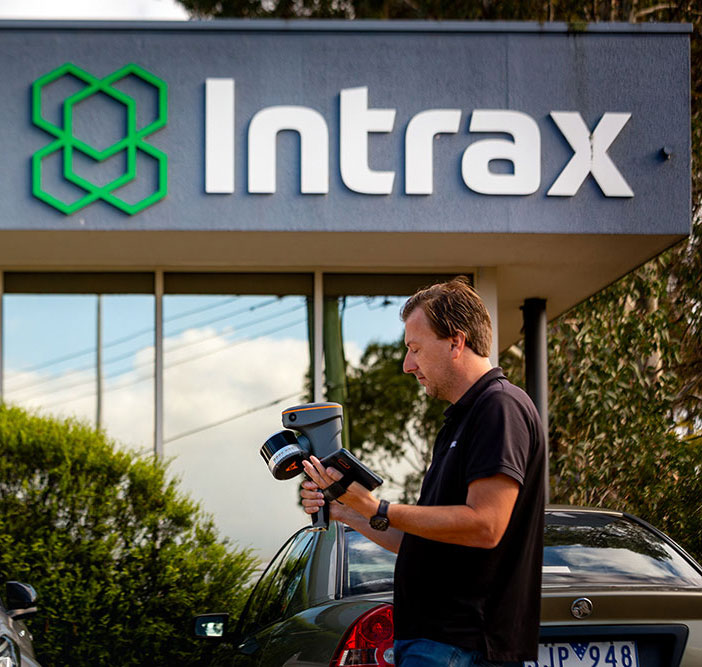
3D scanning
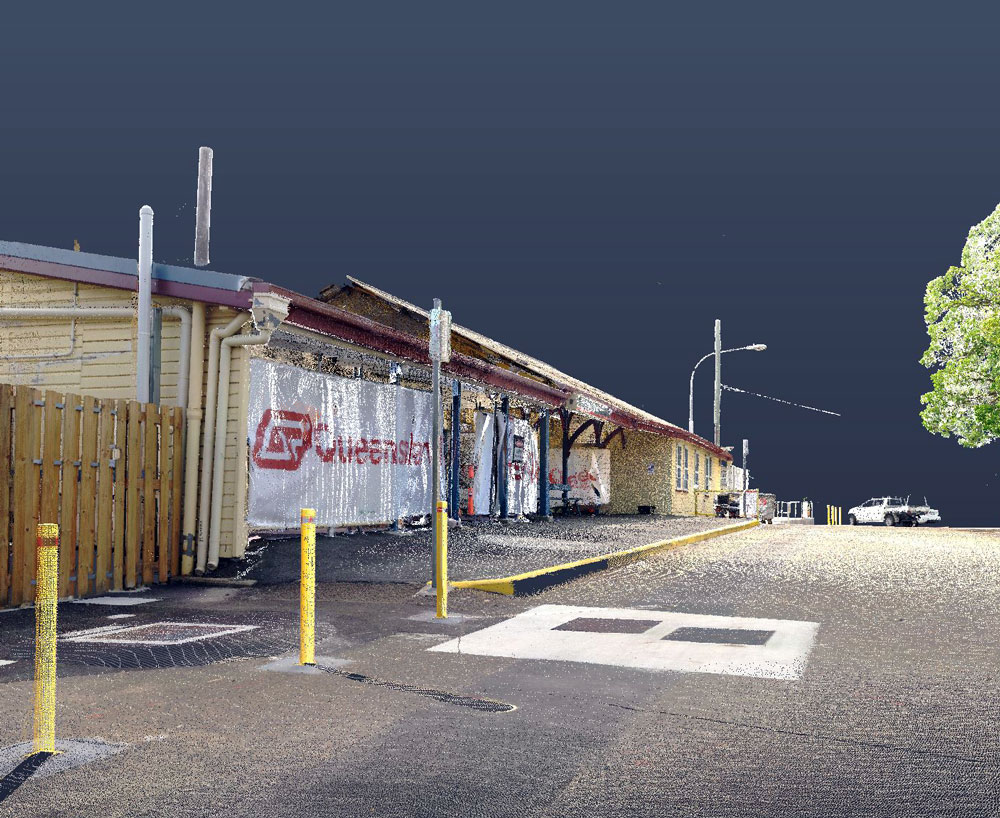
3D scanning
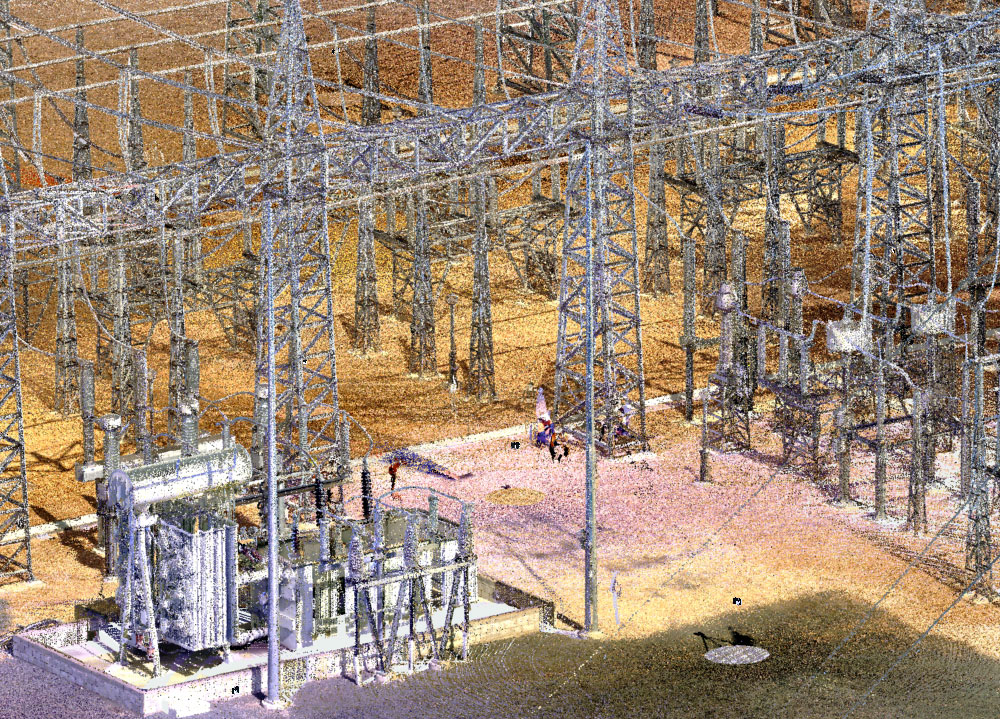
3D scanning

AI automation
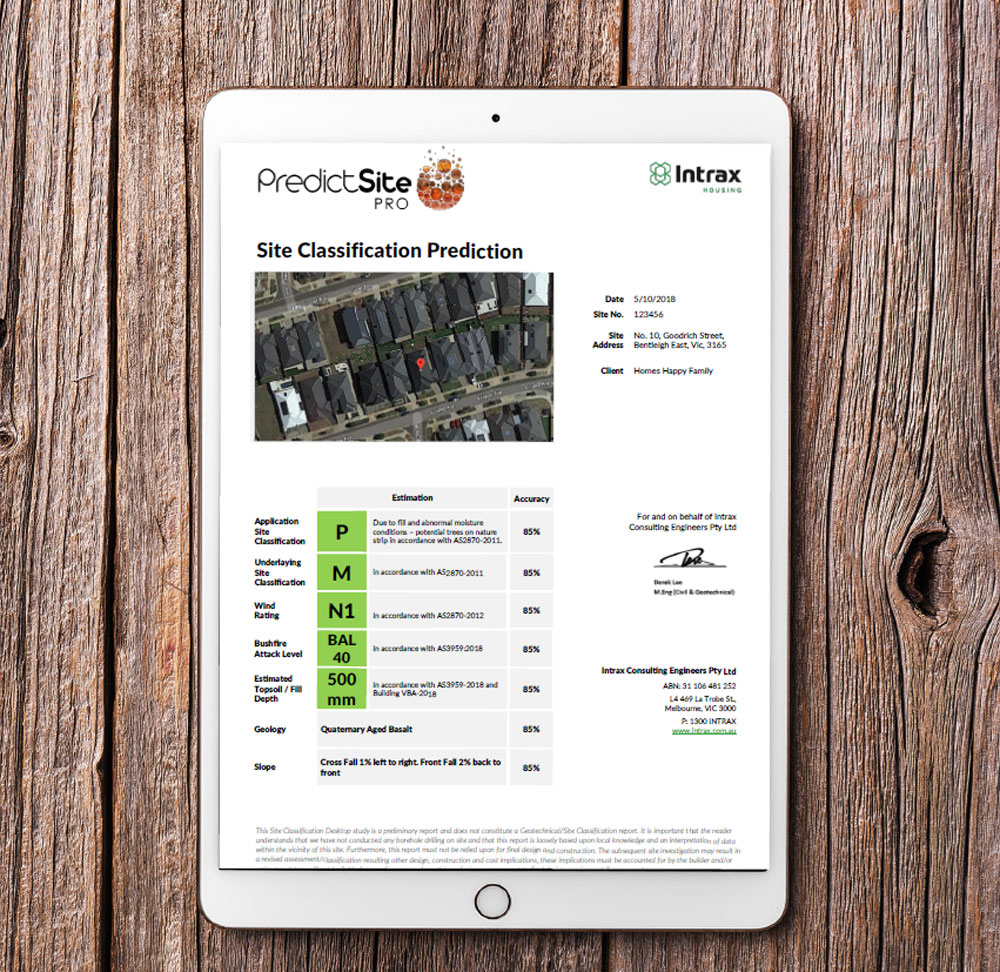
AI automation
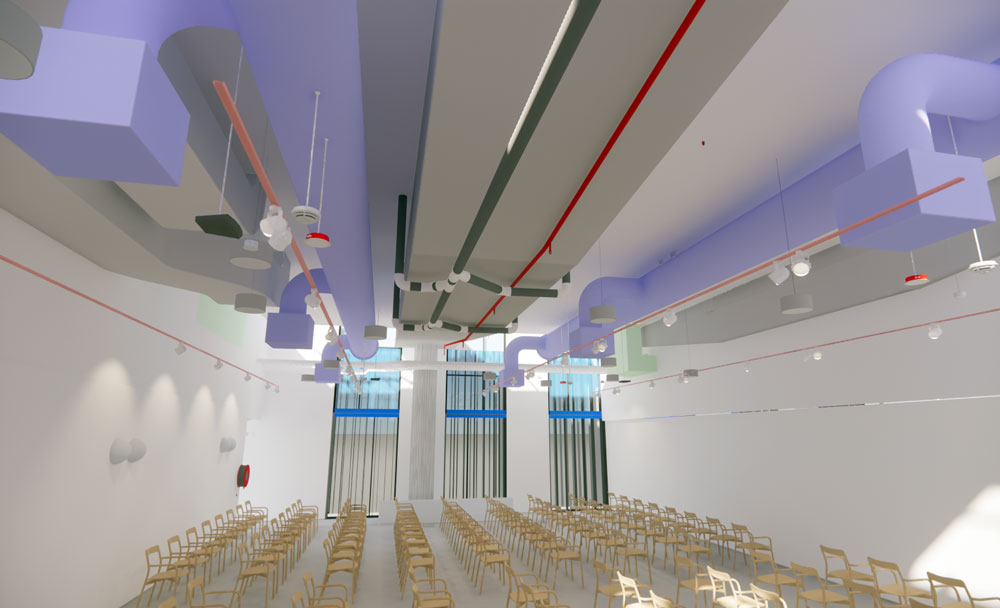
BIM
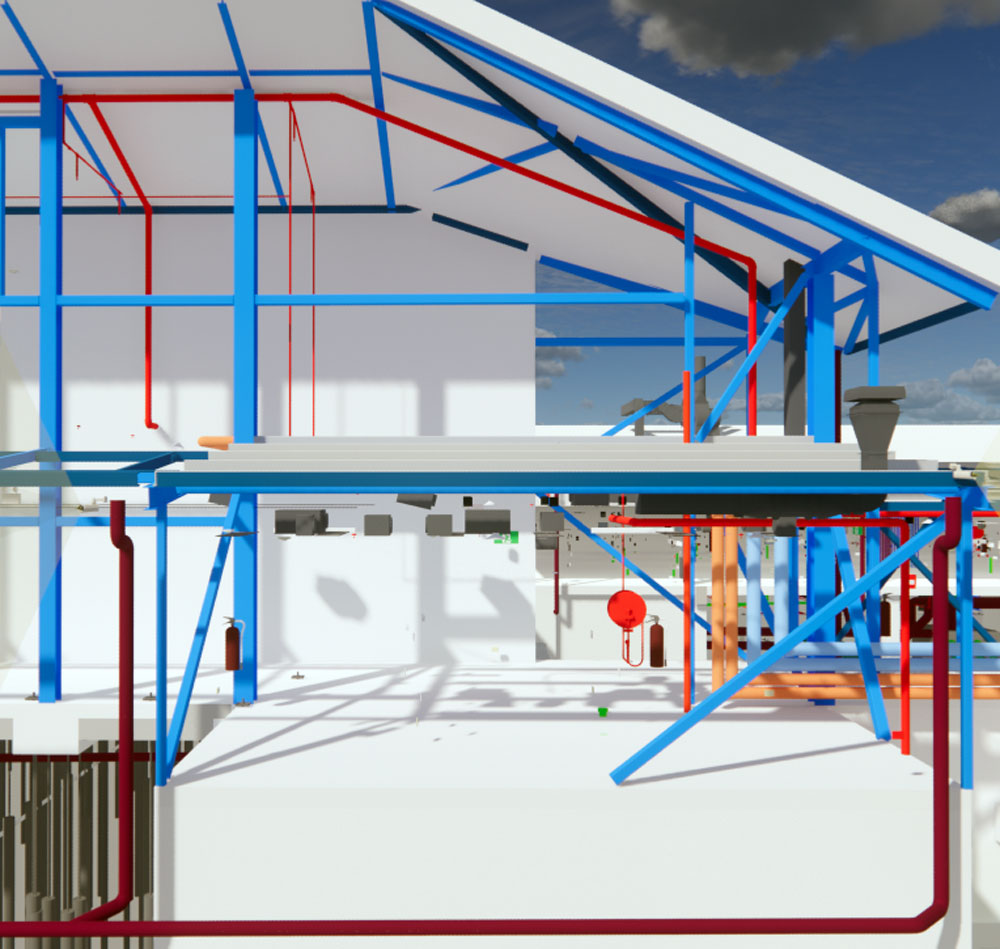
BIM
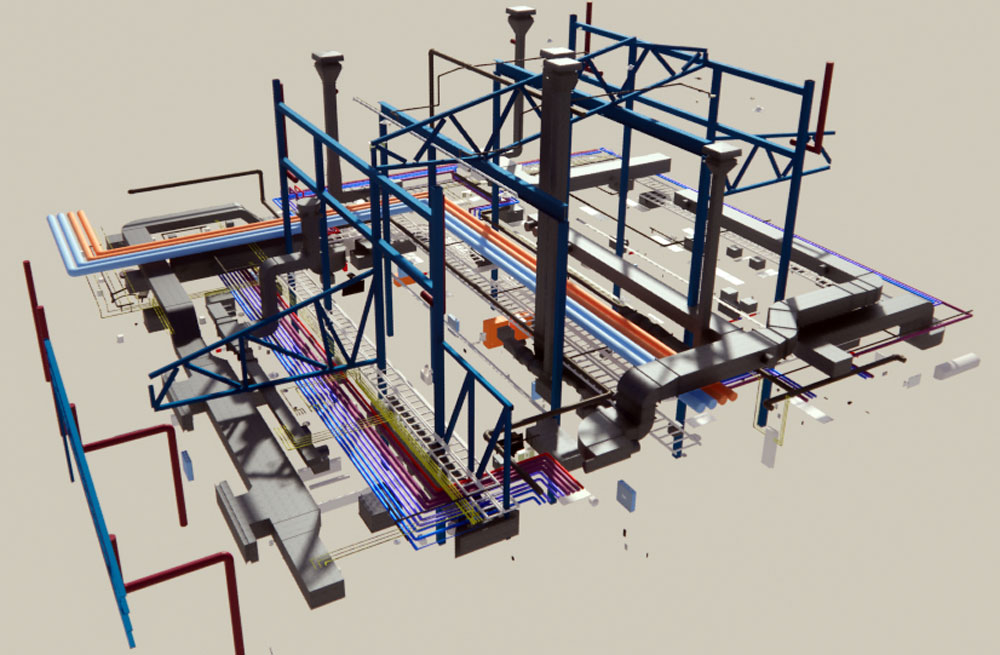
BIM
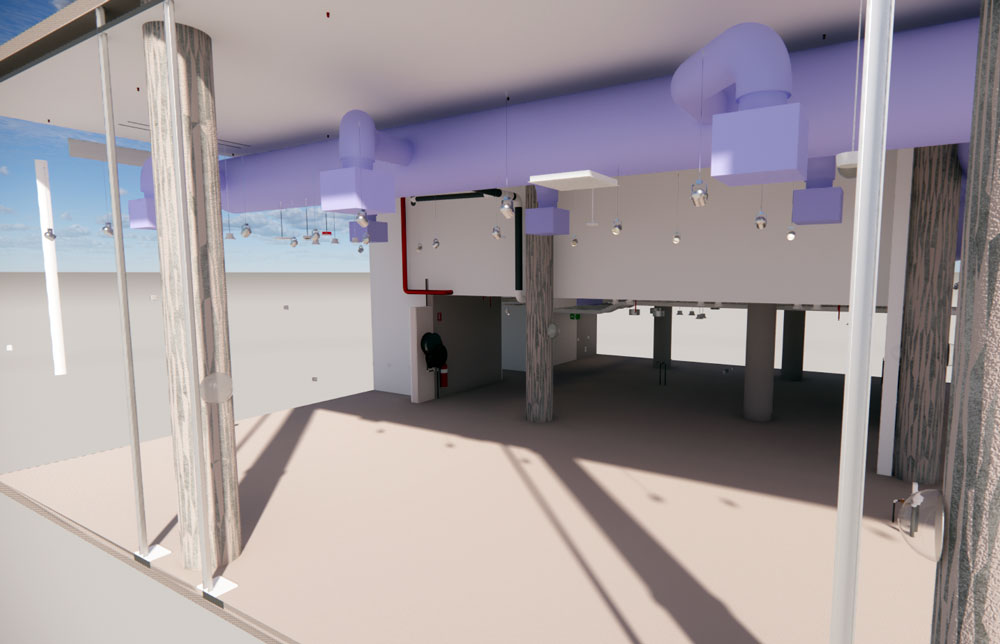
BIM
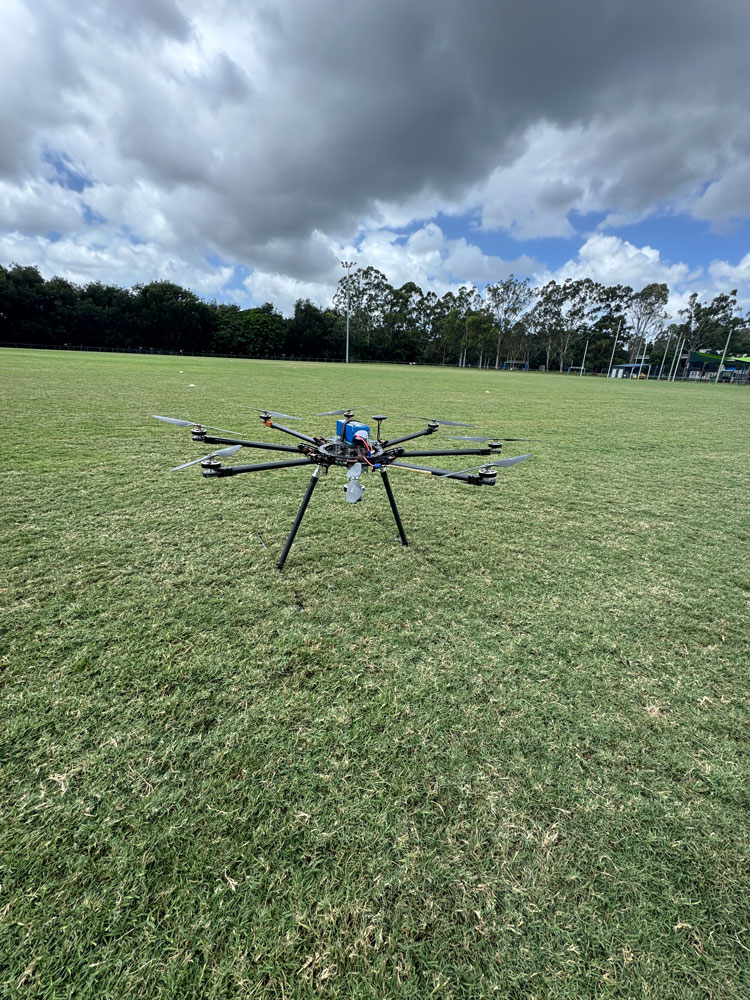
Drones
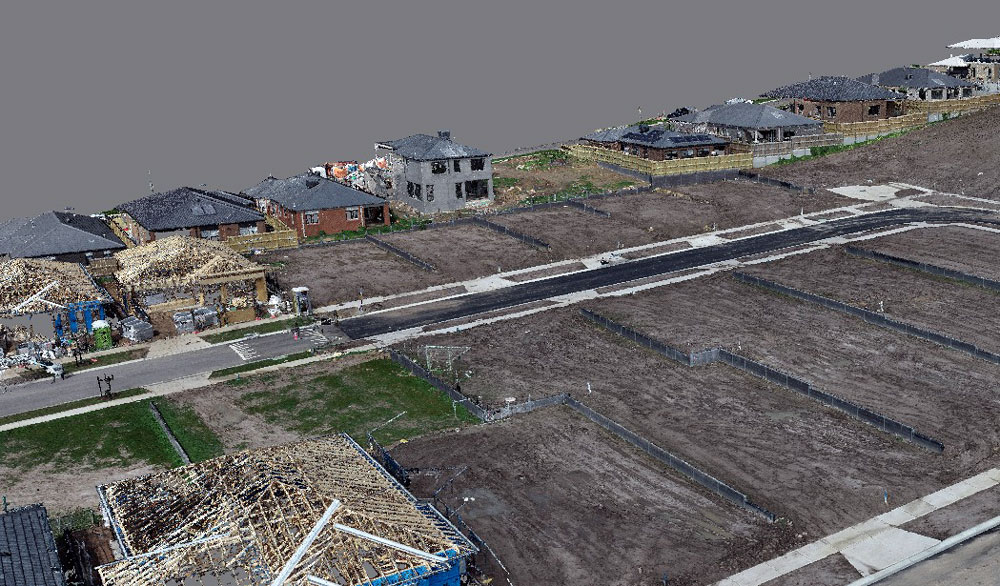
Drones
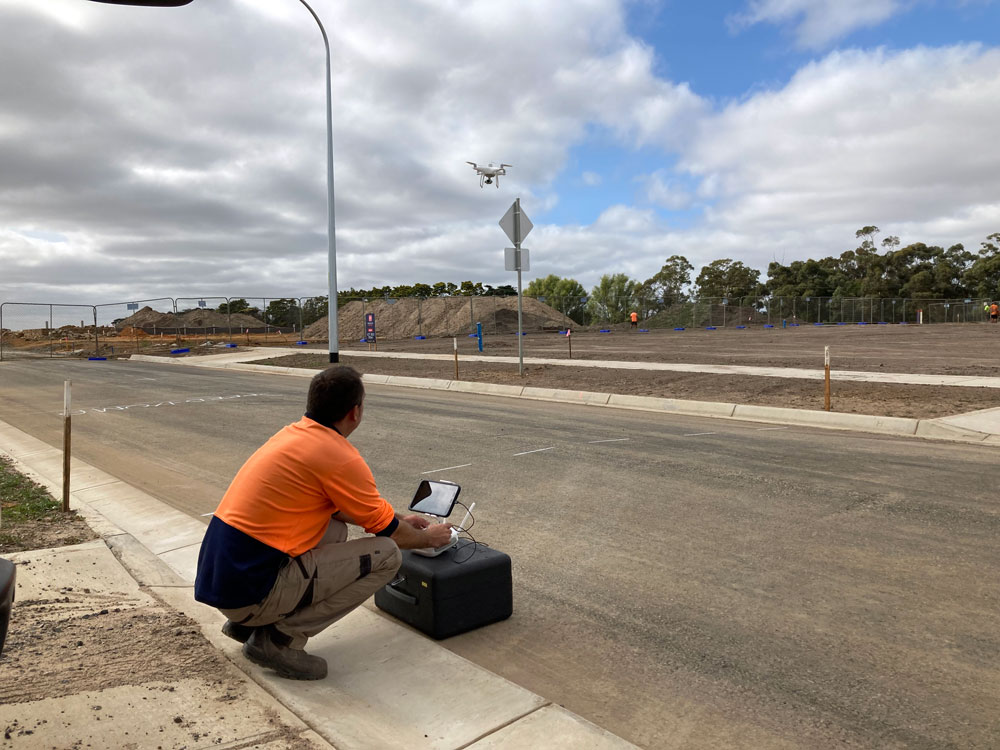
Drones
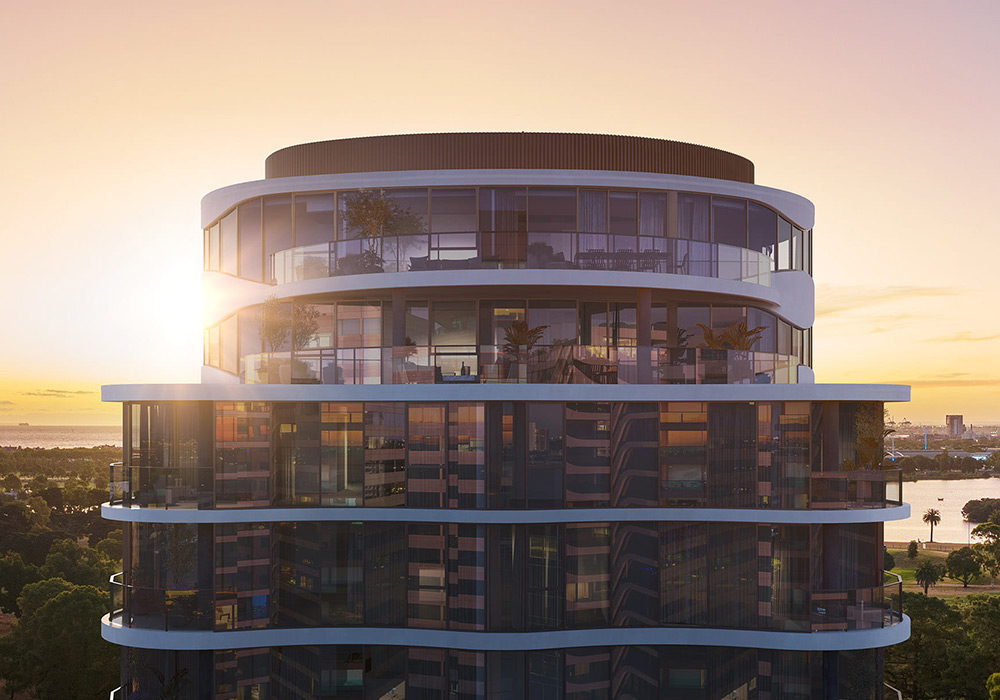
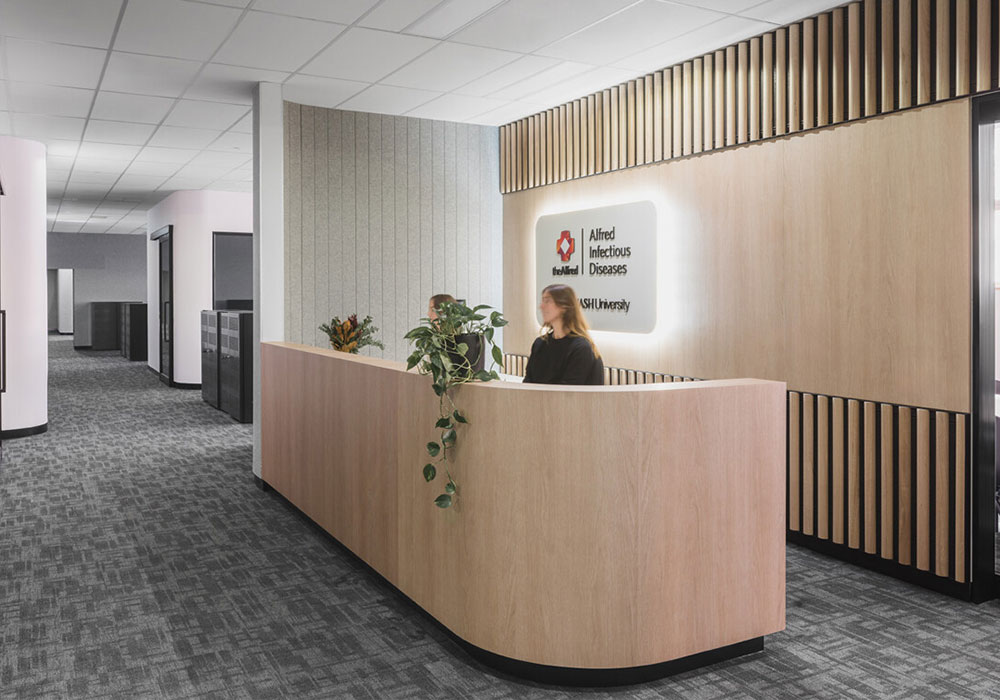
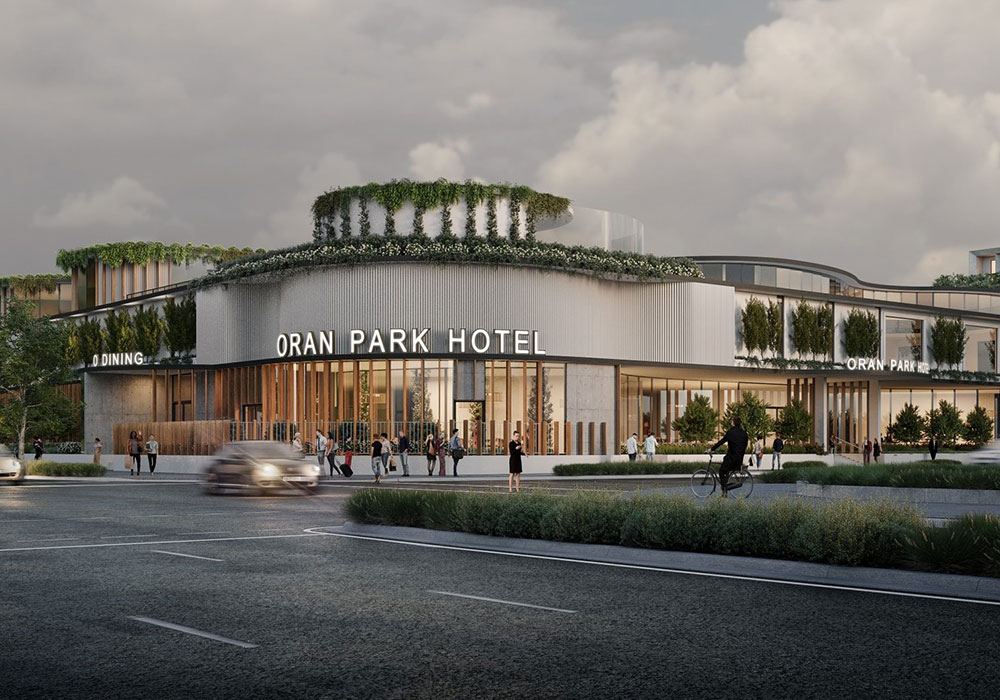
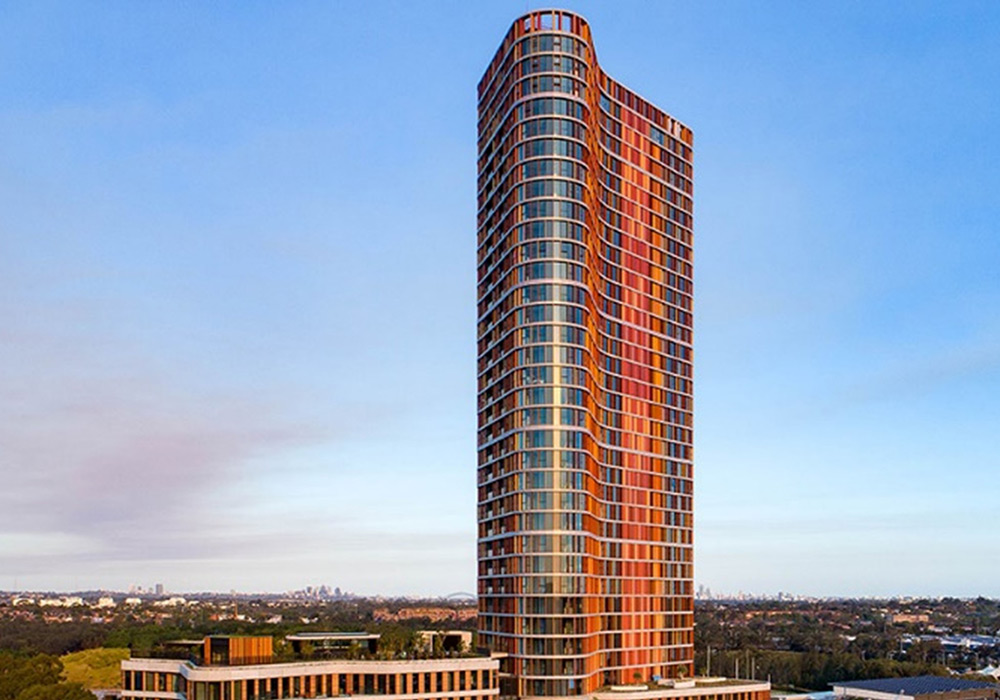
Our commitment to our clients is to provide innovative end to end engineering and consulting solutions while inspiring them and our people to grow and create.
We are a values-driven organisation that fosters an environment encouraging collaboration, continuous learning and visionary thinking.
This empowers our people to push boundaries, lead with purpose and create innovative solutions.
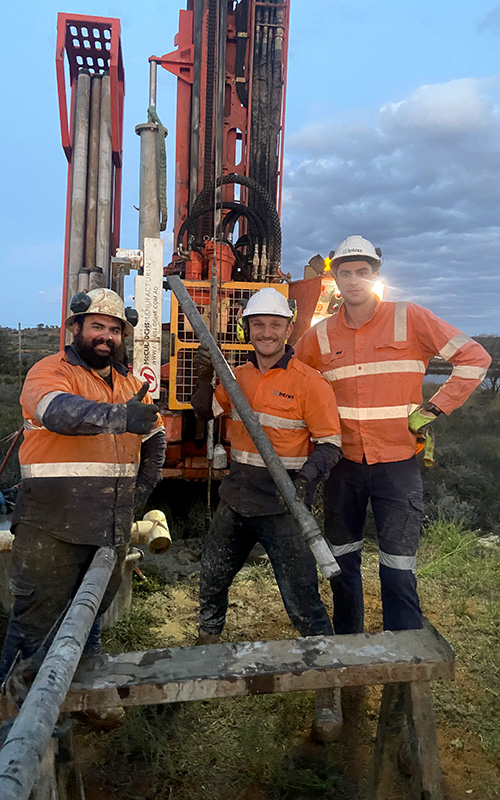
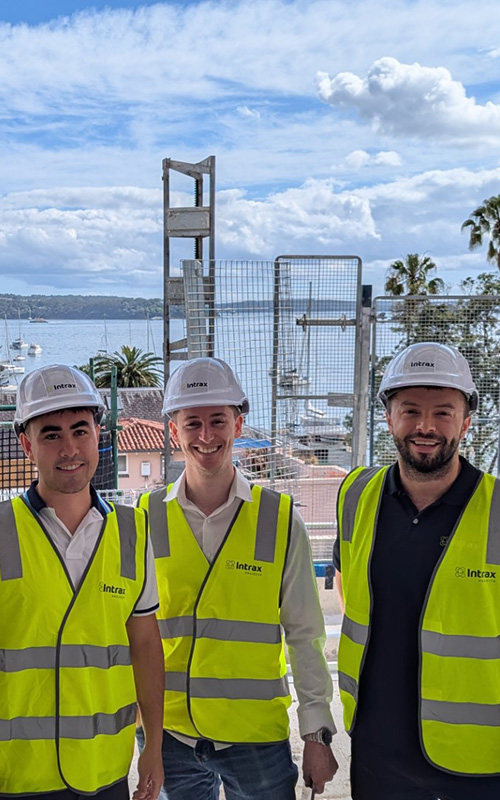
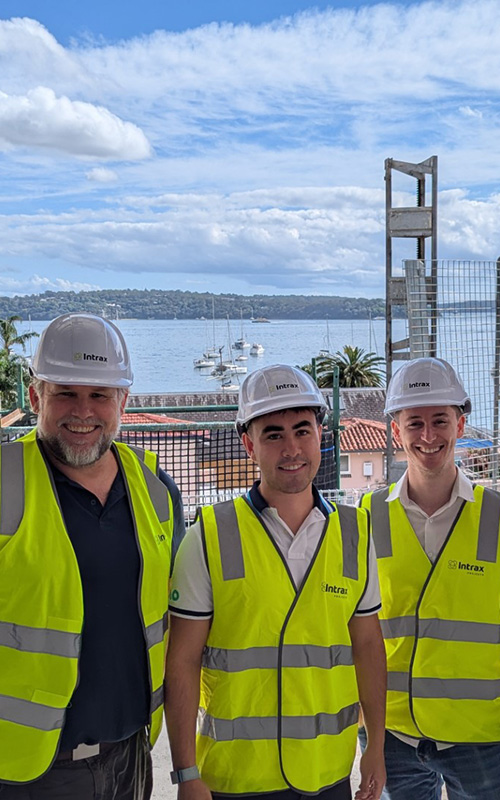

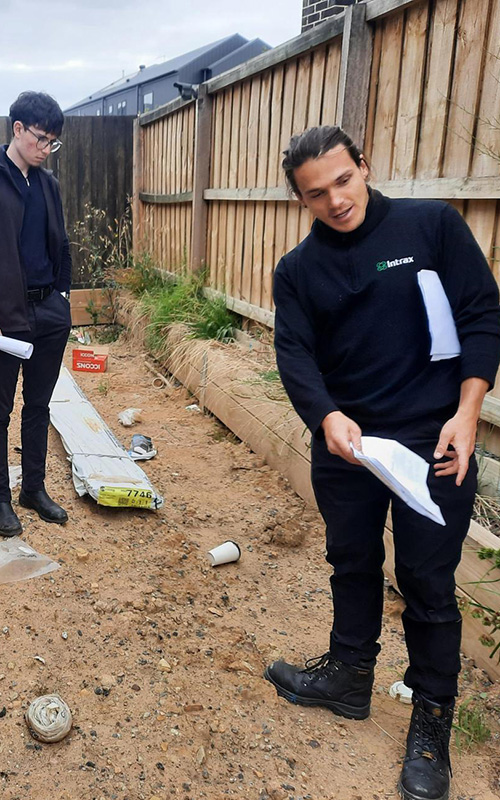
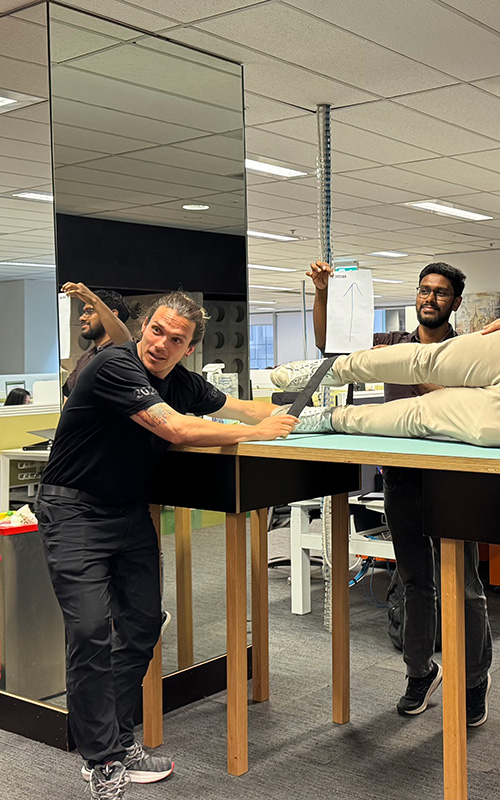
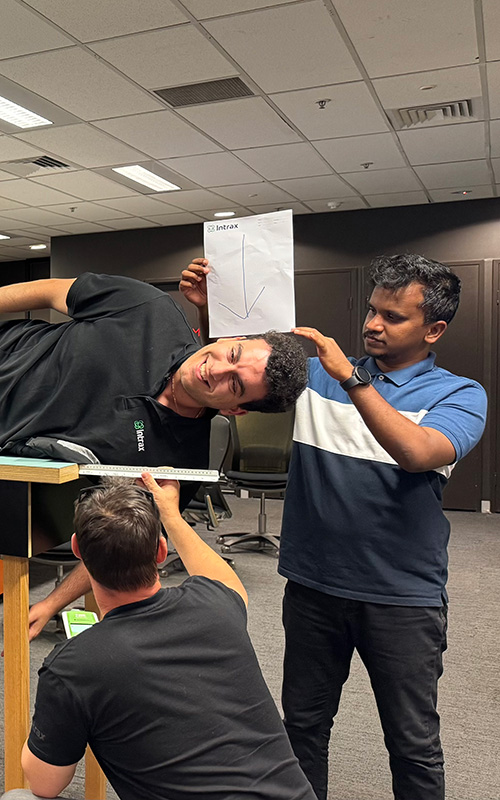



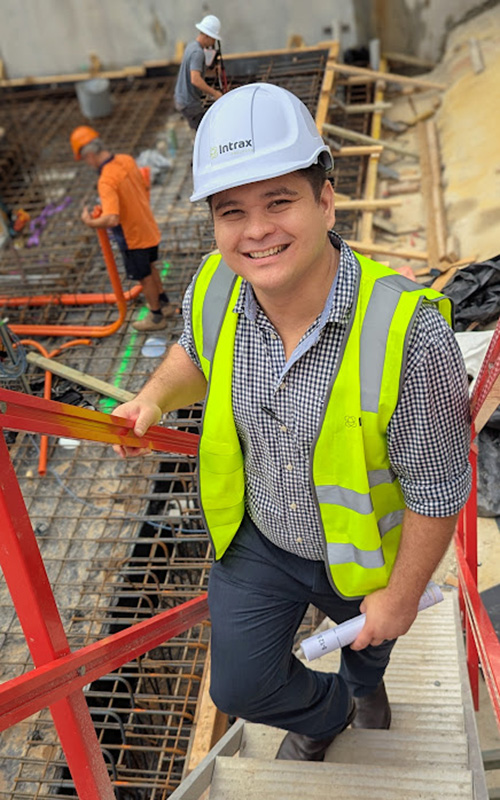
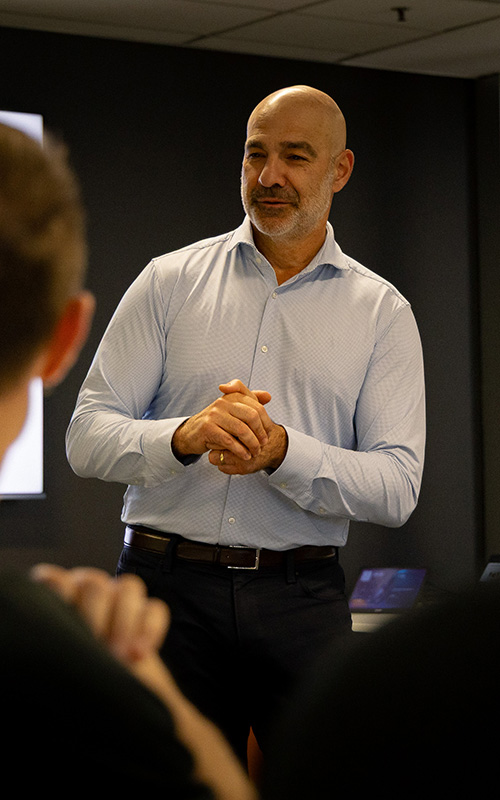
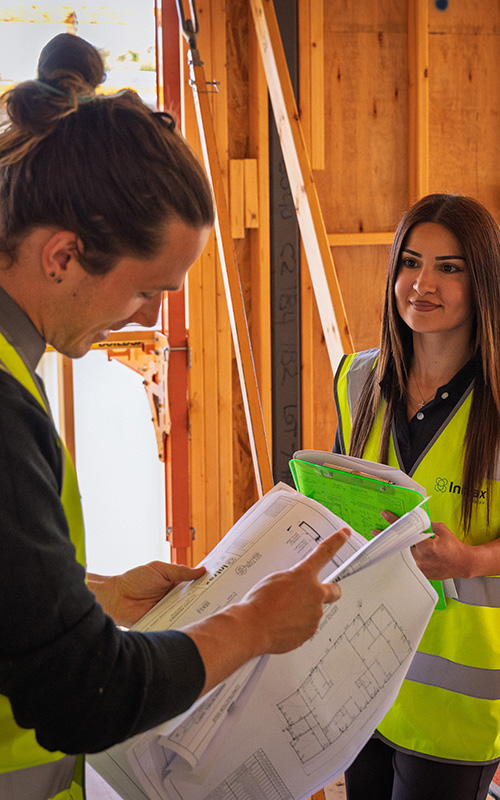
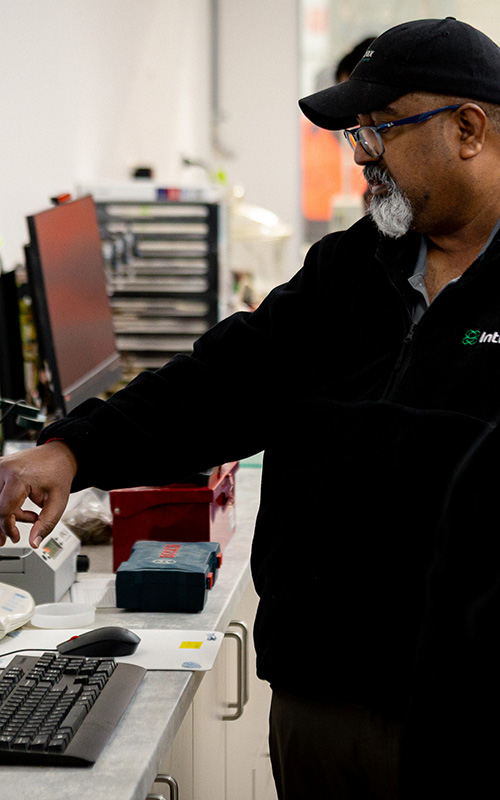
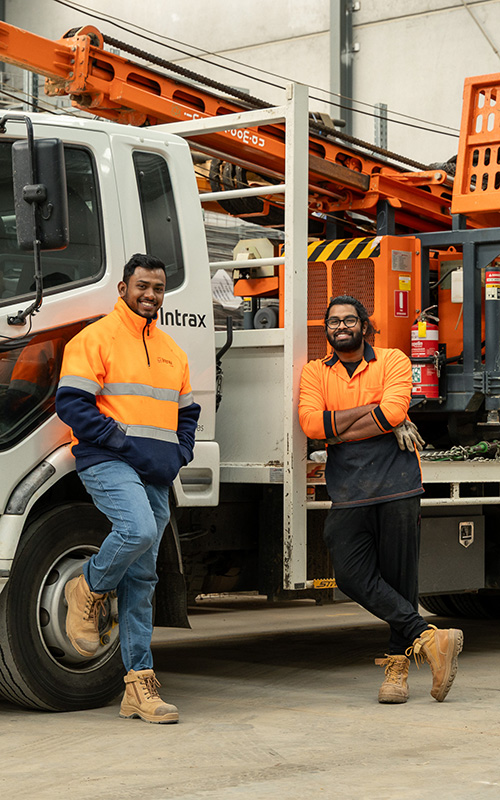
Staff
0
+
Services
0
+
Years of Experience
0
+
Offices Across Australia
0